 |
|
 |
|
|
 |
 |
CBT Cafe > Fireworks > Image Effects
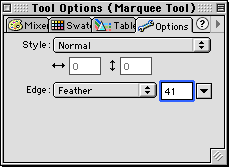
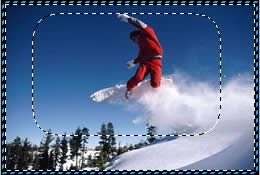
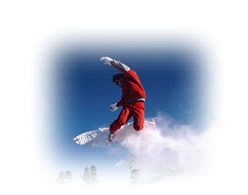
Step 5. Let's select the Rectangle Marquee and apply a feather of 41
You can move your selection around using the Pointer Tool or your arrow keys on your keyboard
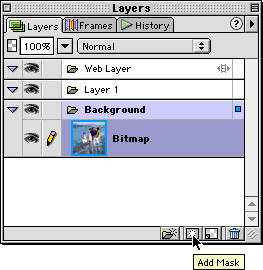
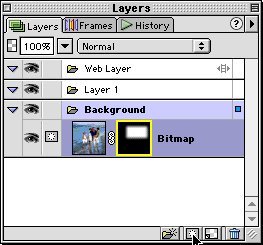
Step 6. Next, click the Add Mask button at the bottom of the Layers Panel
You can also go up to Modify>Mask>Reveal Selection to accomplish the same effect
|

|
|
||||||||
 |
|||||||||||||
|
 |
|
|
||||||||||


| Home | Dreamweaver | Fireworks | Flash | Photoshop | Elements | PowerPoint| Ebay | QuickTime Pro | Flash 5 CD | Fireworks MX CD | QuickTime Support | Contact Copyright © 1999-2015 CBT Cafe, All rights
reserved CBT Cafe | Multimedia Learning | Interactive Graphics
|